Features Of This Tool
Features Of Zoho Backup Tool

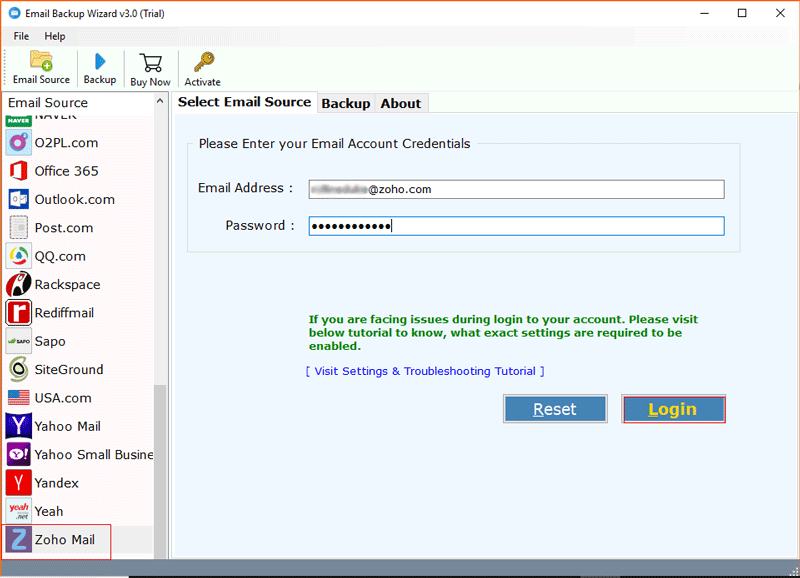
This software generate and download complete backup of Zoho account including emails ,contacts, calender, tasks etc. to PC.

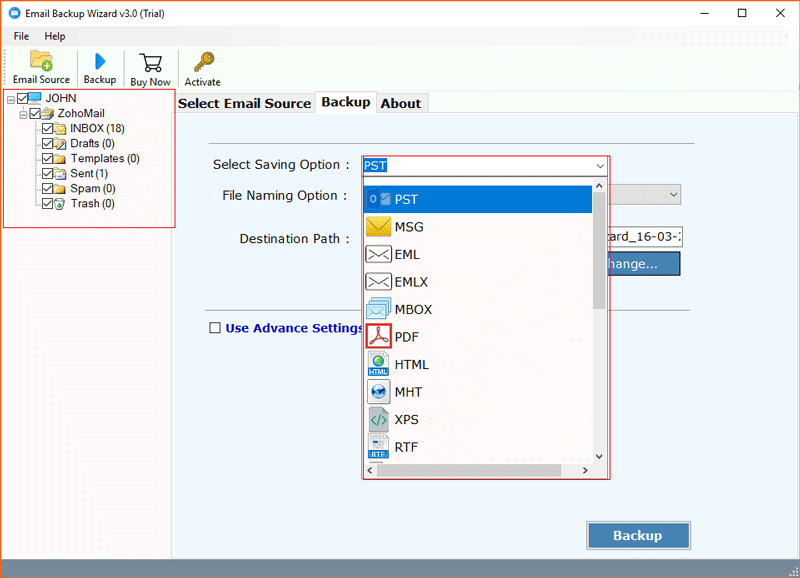
It also offers users to download the mailboxes in multiple formats like PST, EML, ,PDF , MSG and MBOX .This will help user to easily access zoho database in local hard drive.

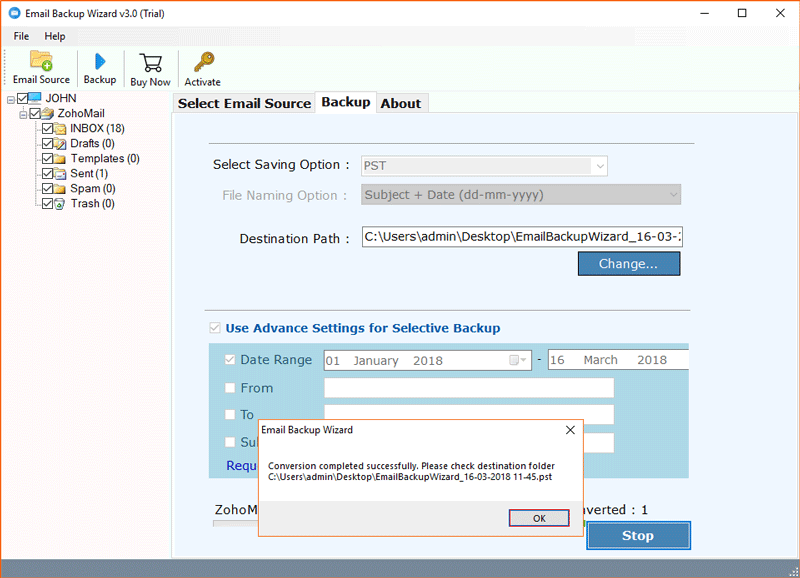
It retains the data integrity after migration of mailbox to PC. It keep the meta properties, formatting, folder hierarchy, etc in as it it form.

While downloading the backup of complete zoho account ,this tool aslo downloads the attachment files of their respective mails without any hassle.

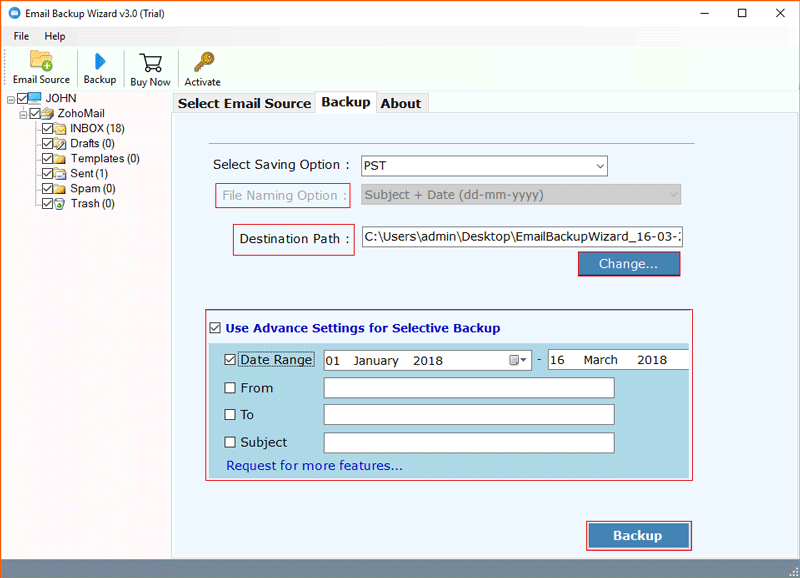
Zoho Email Backup Software allows you to export or save only the desired emails or mailbox folder. So that you can get rid from complete backup process..

Software Enhances the security feature by providing Strong Authentication and never save your login credentials.
Pre-Requirements
- Windows OS : Windows 10 & All Other Previous Windows Version Supported.
- Processor : 1 GHz Processor (2.4 GHz is recommended)
- RAM : 1 GB RAM required
- Hard Disk Space :20 MB of free hard disk required.
Demo Limit – The Demo version of Zoho Backup Software download emails to PST, EML, PDF, MBOX & MSG file format, within the limit of 100 mails & 25 other items (Calendar, Contacts & Documents)
Clients Reviews

"Zoho Backup Application is completly diffrent from other software as it has some extra ordinary features which makes this tools so advance. I had used this software several times to download my email mailboxes to my computer but never found any lagging issue."
Mitchel, - Germany

"Downloading Zoho Backup was never been so easy at all, but after using Zoho Backup application, I'm fully satisfied to purchase and I have also recommended this tool to my friends as it easy transfer Zoho mails to local drive ."
David, - Montreal
Frequently Asked Questions